
02 / Services
Systems Setup & Customization
Replace disconnected tools with systems built around how your business actually operates.
- Business process setup
- CRM and project systems
- Workflow customization
Most CRMs fail not because the software is bad, but because it was set up to match a demo, not your business.
Configured for Nobody in Particular
Default pipelines and generic fields that don't match how your team actually sells or delivers, so people work around the system instead of in it.
Data Entered Twice, Trusted Once
When the CRM doesn't talk to the phone system or the website, someone retypes the same lead more than once, and the version everyone trusts is the one in their own head.
Adopted by Nobody
A system your team doesn't use isn't a system. It's a line item you're still paying for.
We set up systems around how your business actually runs, not around the vendor's onboarding checklist.
What's Included
A Systems Engagement Covers Three Things
Not a generic install. Three deliverables built to match your process before your process is bent to fit the software.
Business Process Setup
We map the process once, often reusing a roadmap from a strategy engagement, or starting fresh if none exists, then build the actual system around it: pipelines, stages, required fields, and automations that match how work really moves, not a generic template.
Nothing gets configured until we understand what a real request looks like from first contact to close, including the exceptions your team already works around.
CRM and Project Systems
Setup or migration of the CRM or project management tool itself, GoHighLevel, HubSpot, Zoho, or whatever fits, with clean data migration from whatever you're leaving behind.
The structure is built to survive turnover. It shouldn't depend on one person's memory of how it works.
Workflow Customization
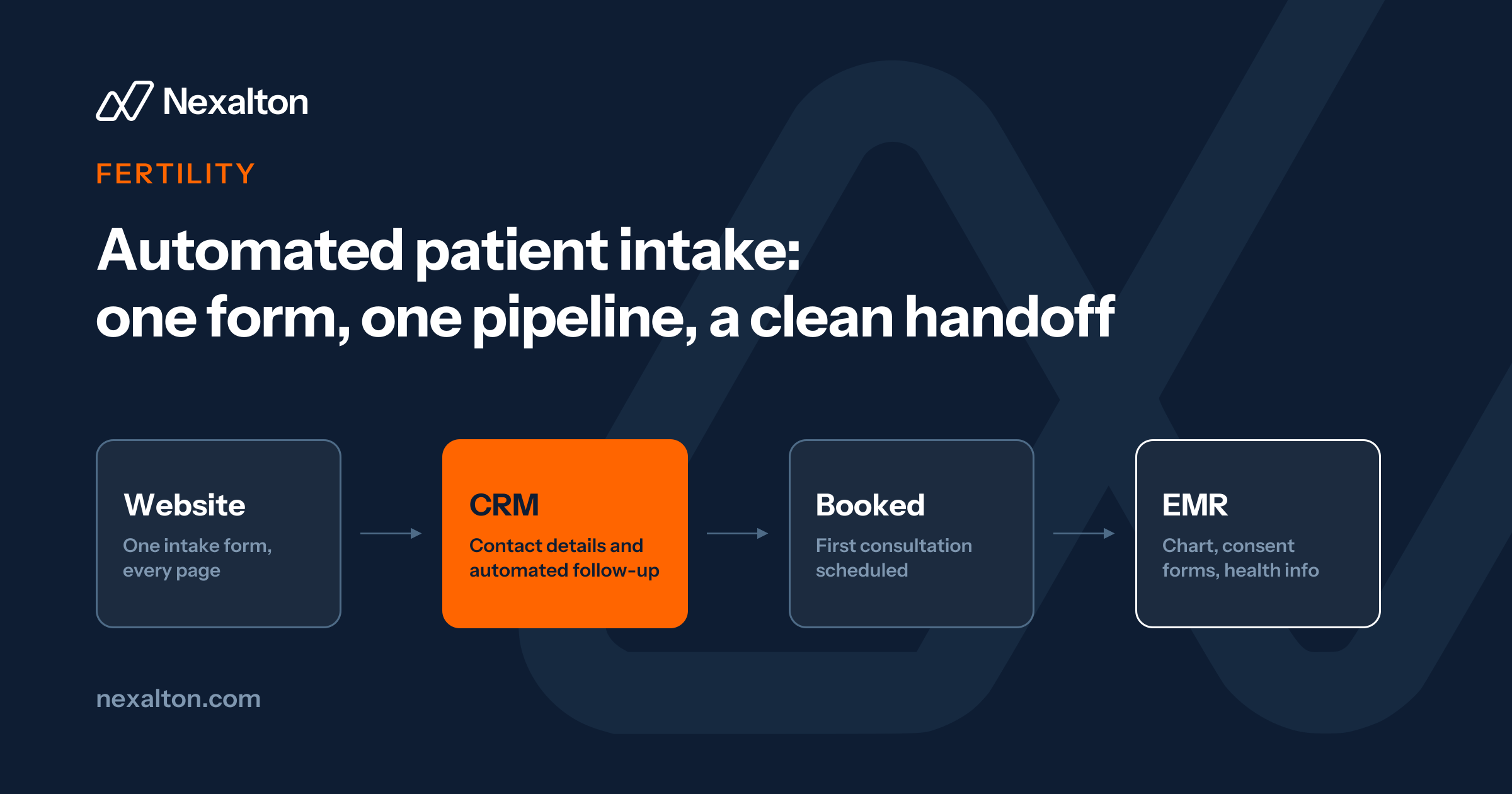
The specific customizations that make a generic platform fit your business: custom fields, automations, permission structures, and the integrations that stop the retyping, phone system to CRM, website form to CRM, invoicing to CRM.
Every automation is tested against real data before anyone depends on it.
How It Runs
Four Stages, Three to Four Weeks
Review
What's already there, and what's actually worth keeping.
Configuration
Pipelines, fields, and automations built to the real process.
Migration
Data moved and verified before anyone depends on it.
Handoff
Training and documentation, so it survives you leaving the room.
Fit Check
Is This the Right Starting Point?
Good Fit
- You picked a CRM, but it still feels like a spreadsheet with extra steps
- Your team has quietly built workarounds outside the system
- You're switching platforms and don't want to lose your data or your history
Not the Right Fit
- You don't know what to fix first Digital Transformation Strategy
- The system works, you just need it to do more on its own Business Automation & Growth
- You need a website or store, not a CRM Web & Ecommerce Platforms
Deliverables
What You Walk Away With

A Configured CRM or Project System
Matched to your actual process, not a generic template.

Clean, Migrated Data
Verified before cutover, so nothing gets lost in the move.

Documented Automations
Written down, not dependent on one person's memory.

A Team That Knows How to Use It
Training included as standard, not billed as an afterthought.
FAQ
Questions About Systems Setup & Customization
Something else on your mind? Email [email protected] and a person will reply.
Which CRM do you recommend?
It depends on the business. We work across GoHighLevel, HubSpot, Zoho, and others, and recommend based on what fits your process and budget, not a fixed preference.
Can you migrate us from our current system without losing data?
Yes. Migration is a standard part of this service, and data is verified against the source before we consider the cutover complete.
How long does a systems setup take?
Most engagements run three to four weeks, depending on how many processes and integrations are involved.
Do we need a strategy engagement first?
Not required. It helps if you don't yet have a clear, agreed process, but many clients come to us already knowing what they need built.
What if our team doesn't adopt it?
Training and documentation are included as standard, and we design around how people already work to reduce friction, but adoption is also a leadership commitment on your side.
Do you support ongoing changes after launch?
Yes, either through a Business Automation & Growth engagement or ad hoc support as your process evolves.

Where This Leads
What Usually Comes Next

Digital Transformation Strategy
If you don't yet have a clear, agreed process to build from.
Learn More
Business Automation & Growth
Once the system is built, this is where the manual work inside it gets automated.
Learn More
Custom AI Agents & Integrations
Add an AI agent on top of the system once the foundation is solid.
Learn MoreLet's Find What's
Slowing You Down
Thirty minutes, no obligation. Fix the gaps, improve operations, and build systems that help your business move faster.
- 1Pick a timeChoose a slot that suits you. Calls run Monday to Friday.
- 2Talk for 30 minutesWalk us through how the business runs today and where it slows down.
- 3Leave with a first stepA clear view of what to fix first, whether or not we work together.